
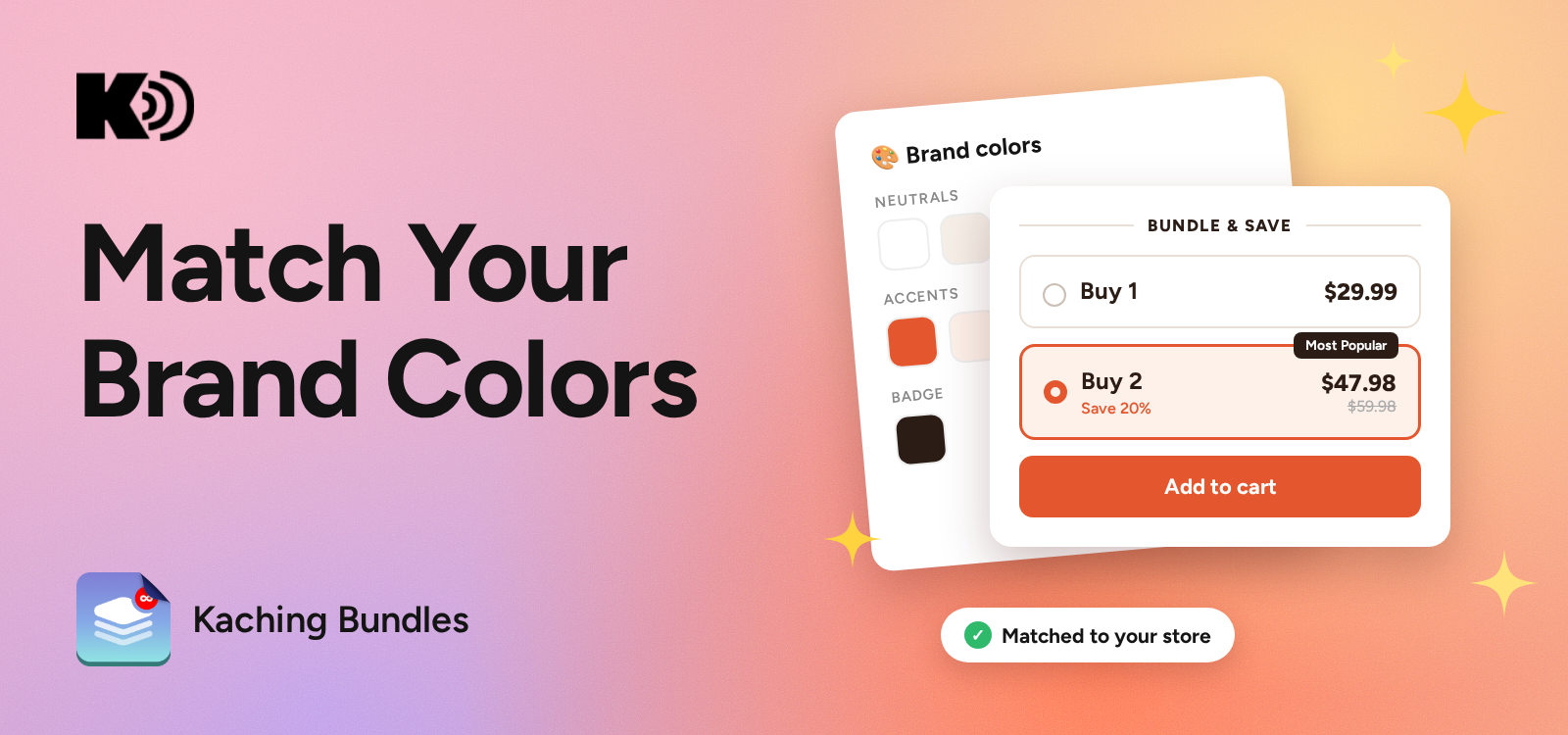
Kaching now reads the colors from your storefront and turns them into a palette for your bundle deals. No hex codes, no guesswork.
Your bundles stop looking like a plugin and start looking like part of your store.
What it does
- Scans your store and saves your colors as a brand palette
- Applies it to any bundle deal in one click
- Change one color once, every linked deal updates
Where to find it
The Brand colors button is on the Overview page, the Templates page, and inside the deal editor.
How to use it
Open Brand colors → check the live preview → tweak any swatch (or paste a hex) → Save & Apply.
Building a new deal? Pick the Brand swatch on the Templates page and it starts on brand.


Start your free trial
Join over 30,000+ merchants already growing with Kaching Appz®.

