
Savings Summary Bar is live in Kaching Bundles
Shows shoppers exactly how much they're saving, right below the bundle blocks.
.png)
How it works
Once enabled, a small bar shows up under your bundle blocks, right above Add to Cart. It tells the customer exactly how much they're saving "You're saving $71.97 on this order" and the number updates live as they switch tiers or tick upsells.
A couple of smart defaults: if the current selection has no discount (say, a single item at full price), the bar just stays hidden, no awkward empty row. And if your deal includes free gifts, you choose whether their value counts toward the savings total or not.
Styling
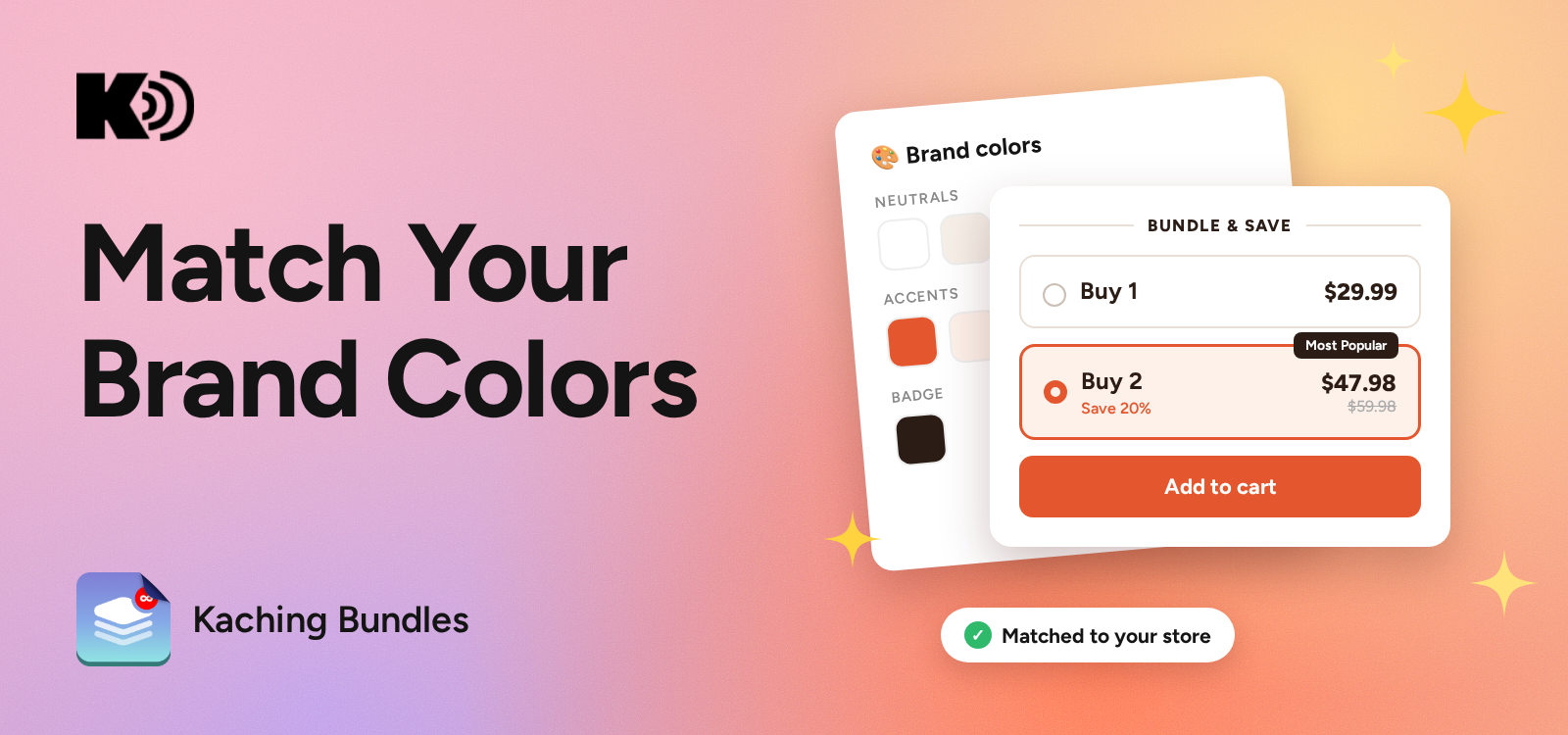
It matches your widget out of the box, it even picks up your widget's corner radius automatically. From there, everything's adjustable: background, text and savings-value colors, border color and width, icon (or no icon), text alignment and size.
How to enable it
Bundles admin → open your deal → Savings summary section → toggle it on.


Start your free trial
Join over 30,000+ merchants already growing with Kaching Appz®.

