







New "link" layout for Subscriptions
 Bundles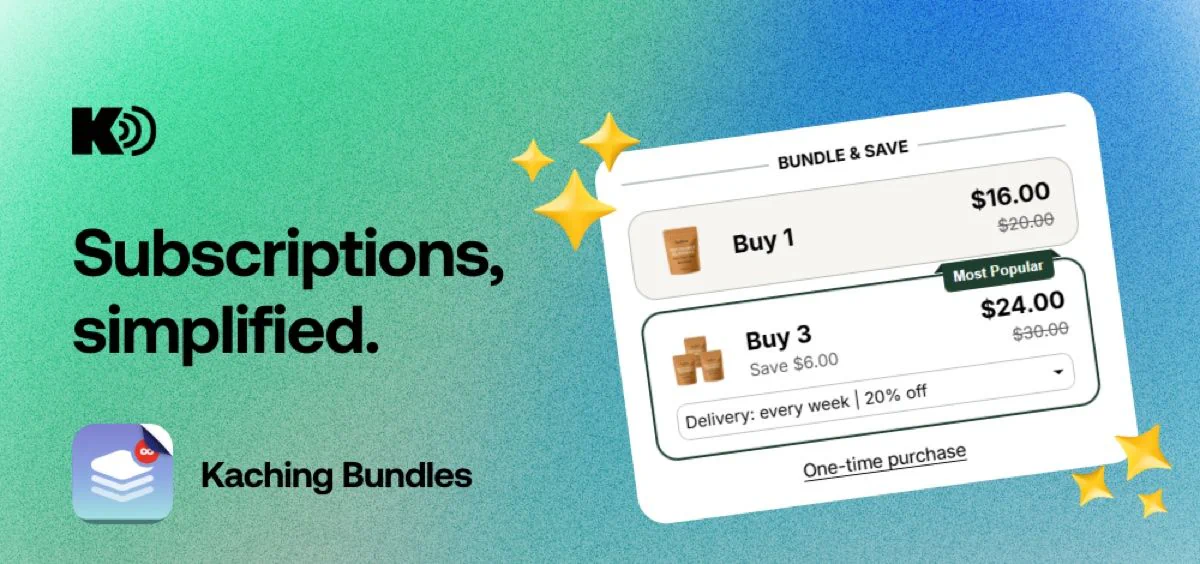
Subscriptions inside Kaching Bundles now have a new layout option designed for cleaner, less cluttered product pages.
How it works
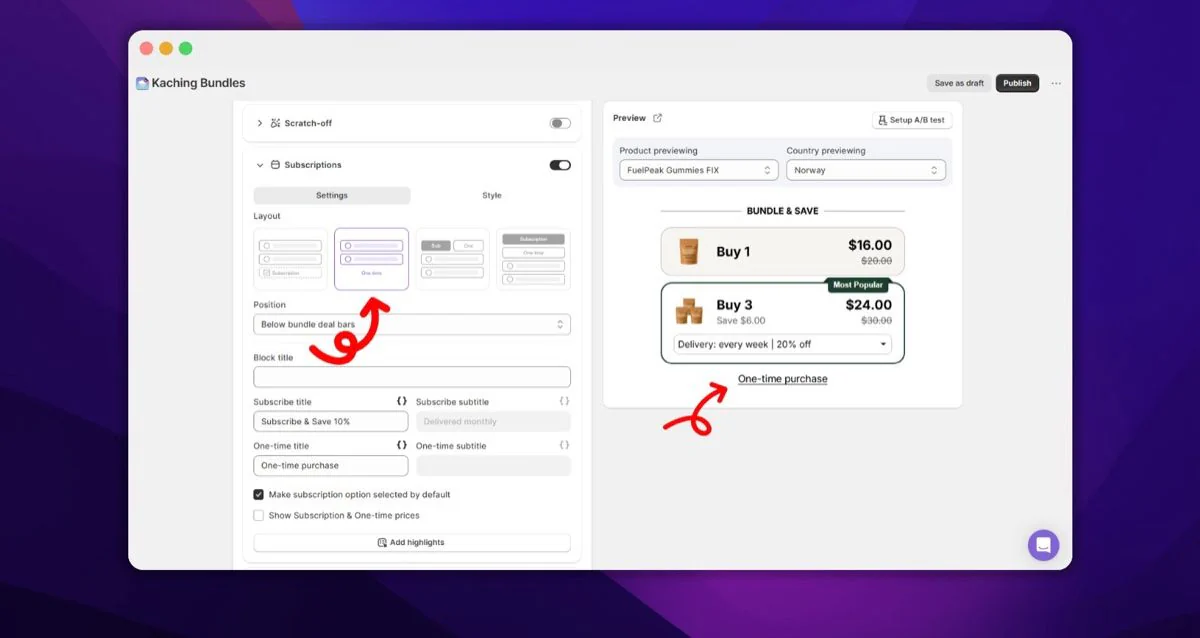
The subscription option appears as an inline toggle directly inside the selected bundle tier - for example, an "Every month | 10% off" dropdown.
The one-time purchase option shows as a simple underlined link below the bundle deals, keeping it available without competing for attention.
When only one plan is active, the selector is hidden entirely.
How to enable it
Bundles admin → your deal → Subscriptions section → select Link layout.