






See which products and features earn you money
 Bundles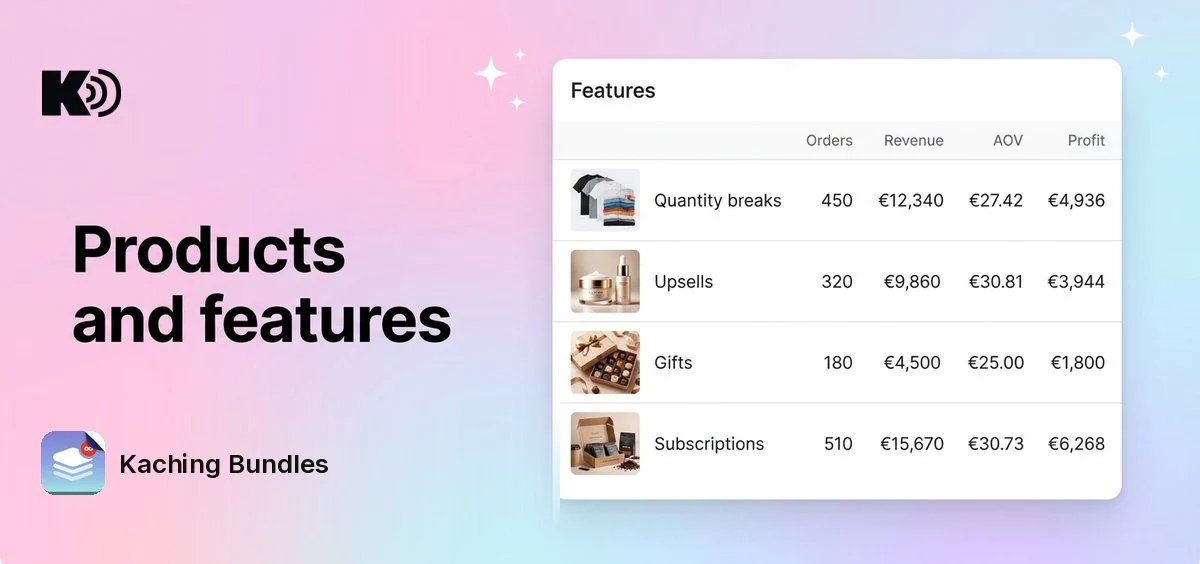
Analytics 2.0 shows how each deal performs. Now the Analytics page also shows where shoppers drop off, which products your deals sell, which deal features earn money, and how much of your revenue comes from subscriptions.
What's new
- Funnel: visits, add to carts and purchases for your deals, each as a count and as a share of visits. Pick a comparison period to see both side by side.
- Quantity by Order Share: the share of orders with 1 item, 2 items and 3 or more items.
- Features table: one row for each deal type (Quantity breaks, BXGY, Bundle, Mix & match, SKU) and each add-on (Upsells, Checkbox upsells, Gifts, Subscriptions, Personalisation). See orders, share of orders, revenue, added revenue, AOV, units per order, profit and profitability for each.
- Products table: every product your deals sell, with orders, revenue, added revenue, bundle orders, AOV, units sold, units per order, profit, profitability, subscribed orders and subscription rate. Pick the columns you want and sort by any of them.
- Subscription charts: subscription revenue over time, and the share of orders that are subscriptions versus one-time purchases. They show when the selected period has subscription orders.
- Every deal bar of one deal: filter the page to one deal and the Bundles table shows each of its deal bars, so you see which offer sells most.
Why it matters
You see whether your upsells, gifts and subscriptions bring in extra revenue, and which products sell best in your deals. Keep what works and change what doesn't.
How to use it
Open Analytics in Kaching Bundles and scroll below the chart. The cards and tables use the date range and deal filter at the top of the page.
Profit and profitability show only for products that have a cost per item set in Shopify.