







Ask Claude and ChatGPT about your bundles
 Bundles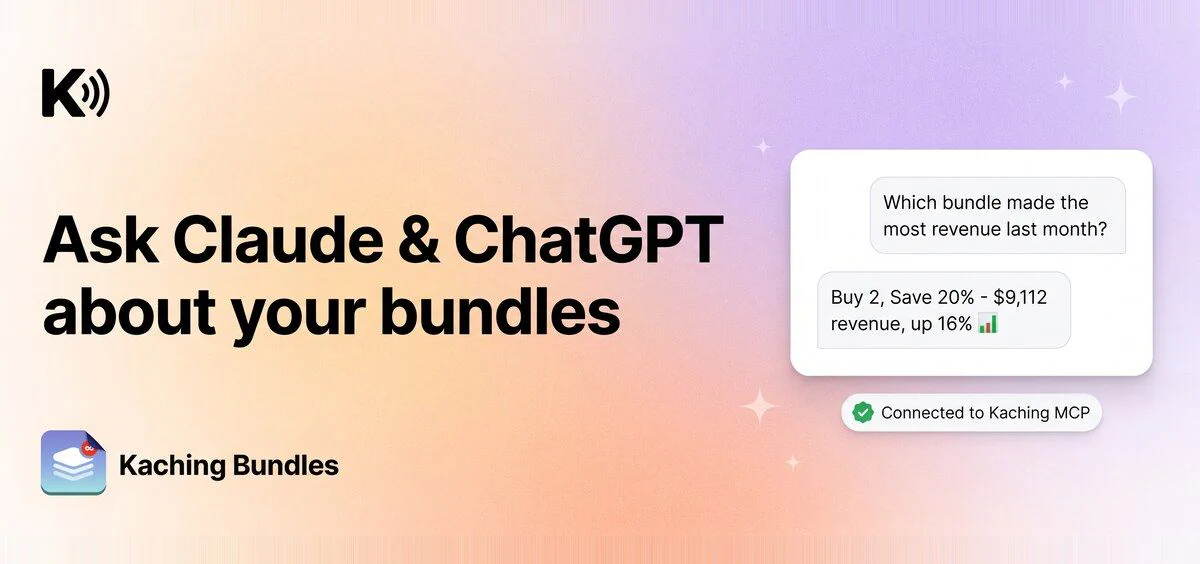
Kaching MCP connects Kaching to Claude, ChatGPT, Claude Code, or any AI tool that supports custom MCP connectors. Ask about your bundles in the same chat where you plan campaigns and check your numbers.
What's new
- Deal performance: "Which bundle made the most revenue last month?" "Compare my top 3 deals by conversion rate."
- What's live: "List my active bundles and their discounts." "Is my free gift deal published?"
- What to try next: "What bundle should I create next?"
- Every Kaching app in one connection: Subscriptions, Cart, Popups and Post Purchase data too, if you use them.
Why it matters
Your bundle numbers sit next to the rest of your business in one chat, so you can plan with real data. The connection is read-only: your AI tool can read your data but cannot change your store or your deals.
How to enable it
In your AI tool, add a custom connector with the URL https://mcp.kachingappz.app/mcp, sign in to Shopify and click Allow. Steps for Claude, Claude Code and ChatGPT: How to connect to Kaching MCP.