







Ask Shopify Sidekick to build and edit your bundles
 Bundles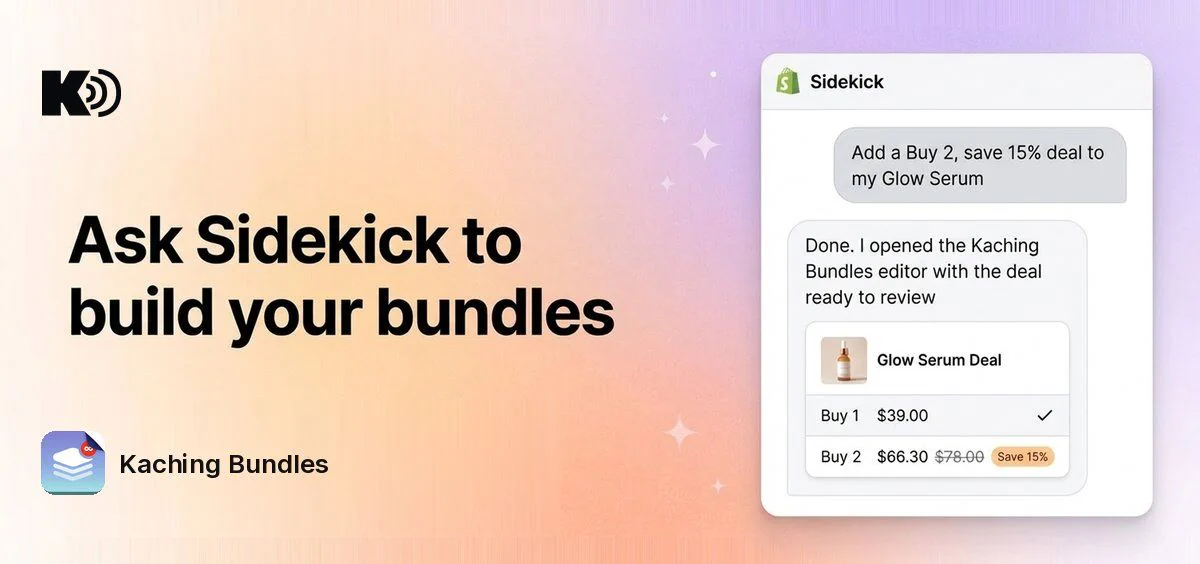
Shopify Sidekick now works with Kaching Bundles. Ask for a deal in plain words and Sidekick opens the deal editor with it set up. You check it and save. Nothing changes until you save.
What's new
- Create a quantity break: "Add a 2-pack and 3-pack deal to my best seller." The editor opens with the bars filled in.
- Open the recommended deal: Sidekick opens the deal Kaching recommends for your store, ready to review.
- Edit an existing deal: "Open my summer sale deal." Sidekick opens it in the editor.
- Change the open deal: ask for a new title, a changed or added deal bar, a free gift or a badge, like "Add a Best value badge to the 3-pack". The change shows in the editor for you to save.
- Get recommendations: ask "What deal should I run?" and Sidekick suggests deals based on your products and orders.
- Search the help center: ask how a feature works and Sidekick looks it up in the Kaching Bundles help center.
Why it matters
You describe the deal and review it, instead of building it bar by bar.
How to use it
Open Sidekick in your Shopify admin, name Kaching Bundles in your question, then review the deal in the editor and save it.