







Choose which discounts your bundles combine with
 Bundles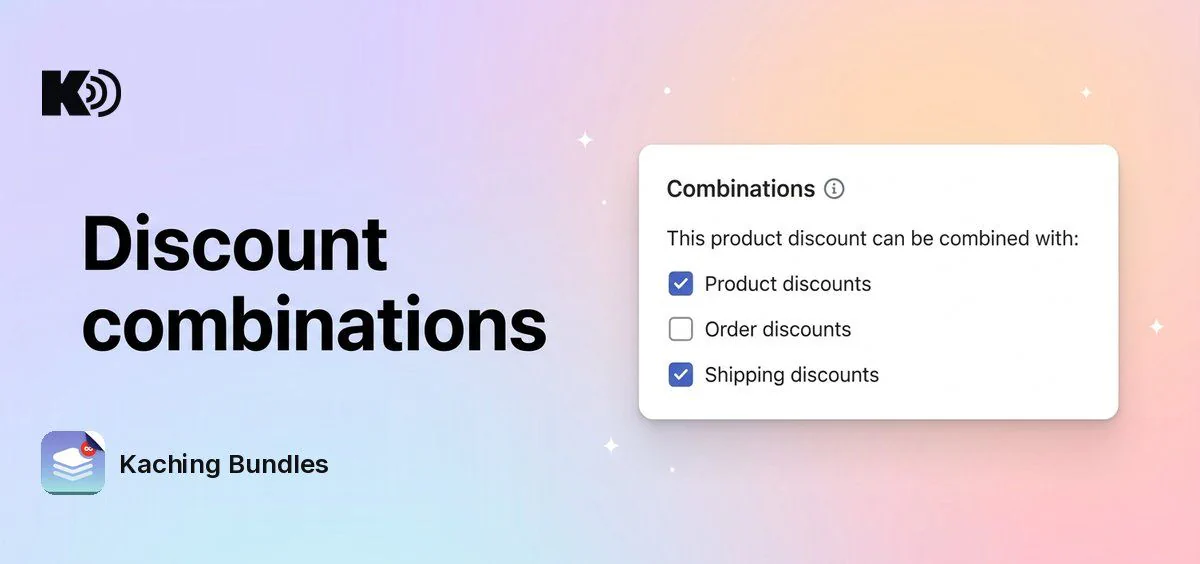
Before, every Kaching Bundles deal combined with all other discounts at checkout. Now you choose, for each deal, which discounts it can stack with.
What's new
- Combinations in the deal editor: tick or untick Product discounts, Order discounts and Shipping discounts, the same choices as on a native Shopify discount.
- Per deal: a 20% off clearance bundle can refuse coupons, while your 2-pack deal still works with free shipping codes.
Why it matters
You protect your margin. A shopper can no longer take a big bundle discount and also a 15% off order code on top of it, unless you allow it.
How to enable it
Open your deal, go to Settings and find Combinations. All three boxes are ticked by default, so your deals work the same as before until you change them.
Two discounts combine only when both of them allow it. If they can't combine, Shopify applies the better one for the shopper.
The setting is shared by all A/B test variants of a deal. It does not apply to subscription discounts.