





Choose which bars unlock a gift
 Bundles
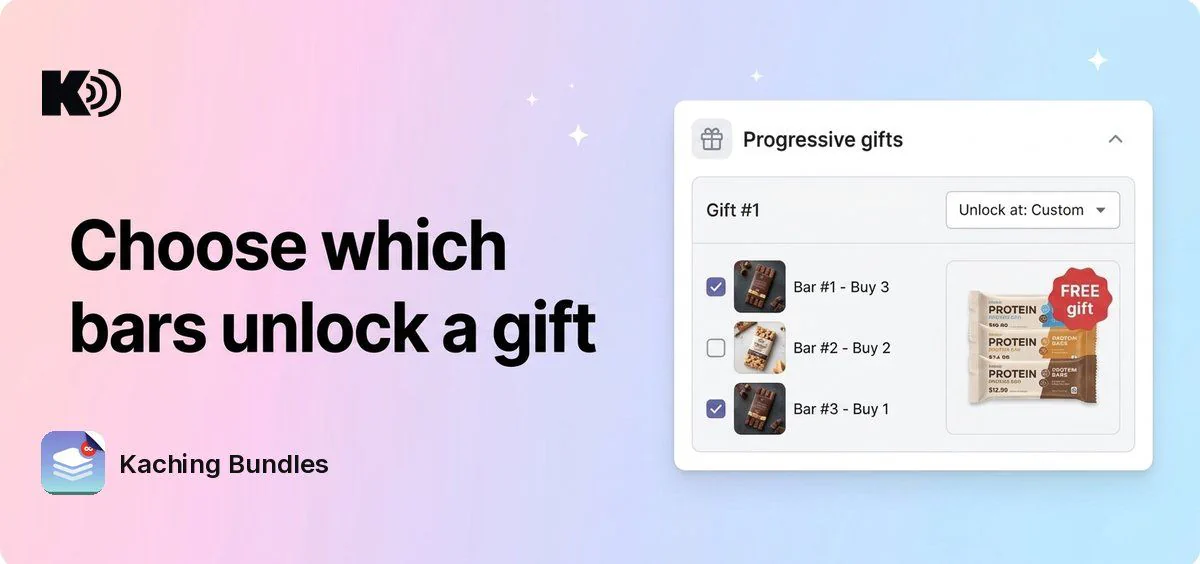
Before, a progressive gift unlocked on one bar, or on one bar and every bar after it. When your deal listed the biggest pack first, giving a gift only on the 4-pack and the 3-pack meant adding the same gift twice. Now Unlock at has a Custom option: tick the bars that unlock the gift, in any combination.
What's new
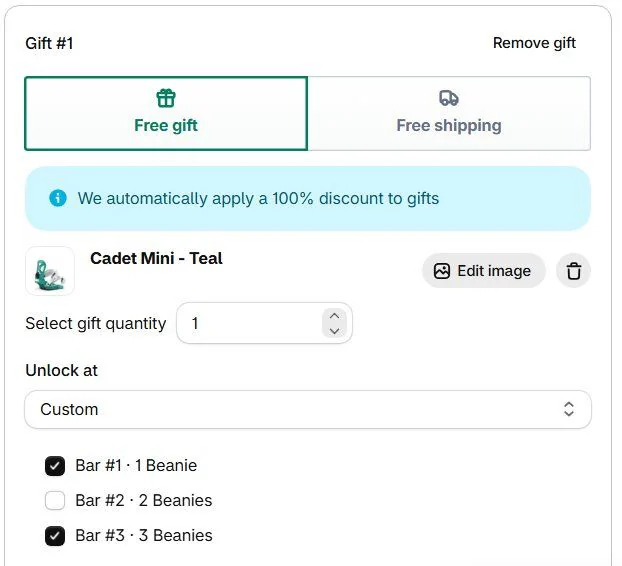
- Custom unlock: choose Custom in Unlock at to get one checkbox per bar, with the bar's number and title. The gift unlocks on every bar you tick.
- Ticks follow their bars: move a bar and its tick moves with it, remove a bar and it leaves the list. A duplicated bar is ticked when the bar you copied is, and a new bar is ticked when the last bar is. A copy of the deal unlocks its gifts on the same bars.
- A warning when no bar is ticked: the gift shows No bar unlocks this gift, so customers never get it.
- Your gifts keep working: gifts set to an option like Bar #2 and higher or Bar #2 only stay as they are.
How to use it
Open a deal, go to Progressive gifts and find the gift. Set Unlock at to Custom and tick the bars that should unlock it. If you added the same gift twice to get this result, you can now keep one and remove the other.