






Schedule a cart to go live
 Cart
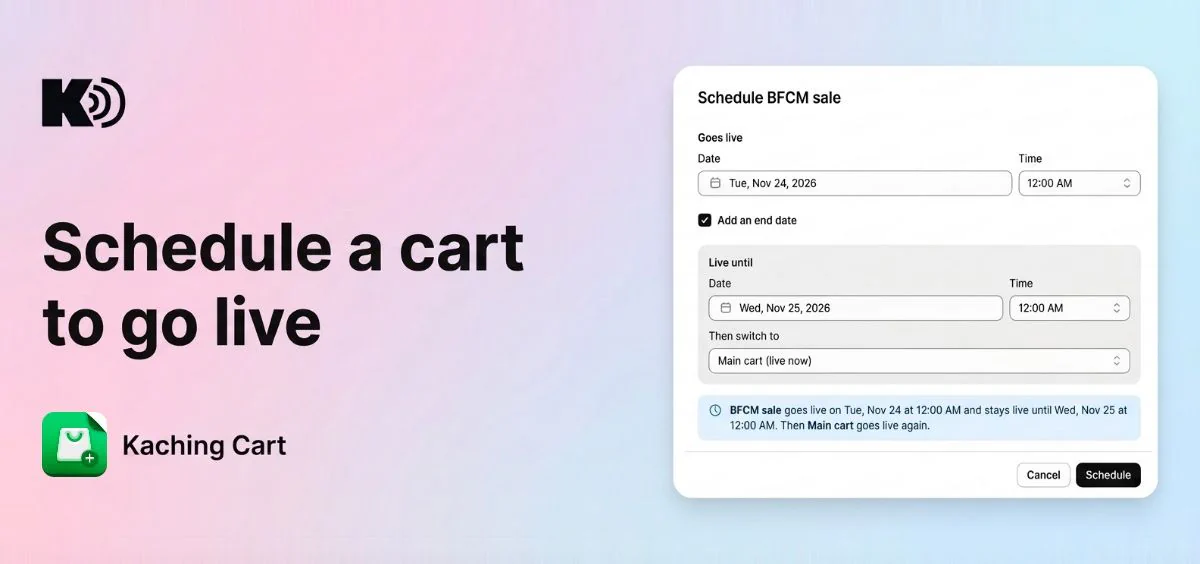
Prepare a sale cart days before your sale, and pick when it goes live. We turn it on at that time, so you do not need to be awake at midnight.
What's new
- Pick a start: the date and the time when the cart goes live, in your shop's time zone.
- Add an end date: pick when the cart stops being live, and the cart that goes live then, such as your main cart.
- See the next change: a badge beside the cart's name says what happens next, such as "Goes live Sat, Nov 28, 12:00 AM". Click it to see the timeline of the schedule.
- In the cart editor too: the status button at the top of the editor shows the same information. The on/off switch is now in it.
- If a cart did not go live, its badge turns red, and the timeline says why.
How to enable it
Cart admin → Your carts → ⋮ in the cart's row → Schedule. Or in the cart editor: the status button at the top → Schedule.