







How to set additional discount for BOGO deals
Learn how to add higher discount for Buy one, Get one free offer
Looking to offer Buy One, Get One (BOGO) deals with an extra discount on top? You’re not alone — this is one of the most common requests we see.
Here’s everything you need to know about how to set that up using the correct discount type.
Why can't I set a custom price on BXGY deals?
The BXGY Discount type (Buy X, Get Y) is built to automatically calculate and apply a “free” deal. It’s great for clean, simple promotions like Buy 2, Get 1 Free — and it shows the discount clearly at checkout.
However, one limitation is that you can’t set a custom deal price or an additional discount on top of the BXGY logic. Shopify discount function handles this pricing automatically and doesn’t allow for manual overrides within this discount type.
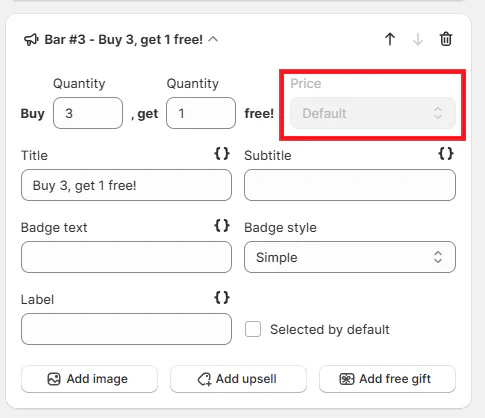
If you need more control over pricing — for example, Buy 2, Get 1 for 50% off, or Buy 4 for $25 total — you should use the Quantity Break discount type instead.
How to Create a Custom-Priced BOGO Deal with Quantity Break
To set up a BOGO-style deal with full control over pricing, follow these steps:
- Open the Kaching Bundles App From your Shopify admin, open the app and either create a new bundle or edit an existing one.
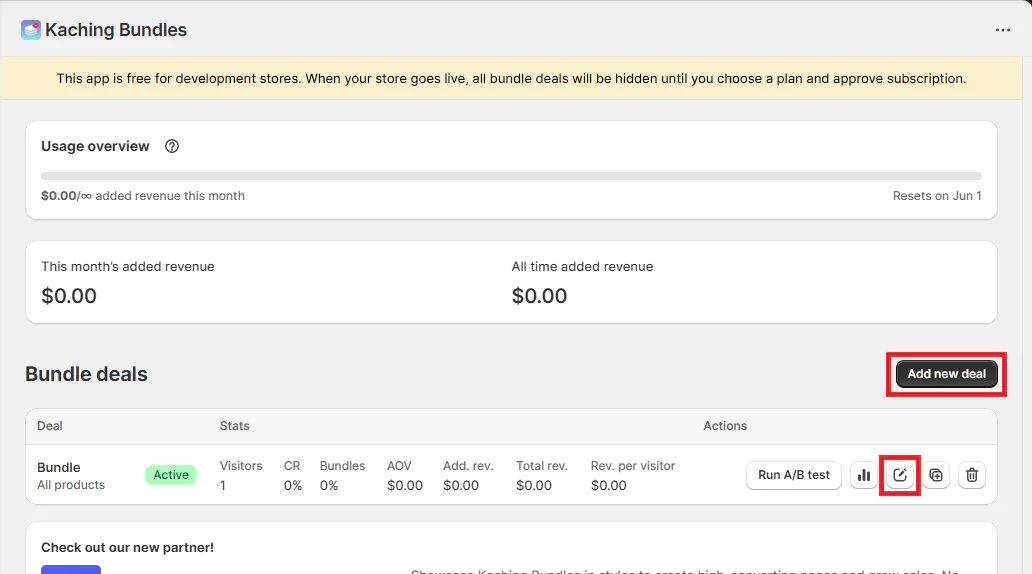
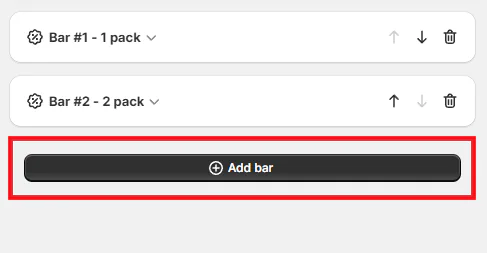
- Add a New Deal Bar Click the “Add Bar” button
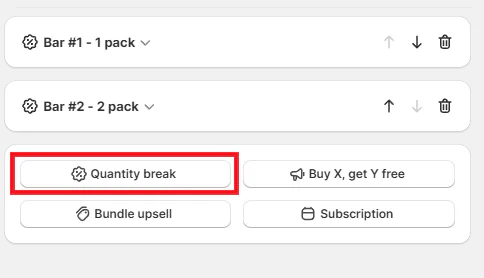
Choose “Quantity Break” as your discount type
- Set Your BOGO Deal Create your BOGO logic manually. For example:
- Quantity: 2 items
- Discount: 50% off per item or
- Quantity: 4 items
- Total price: $25.00
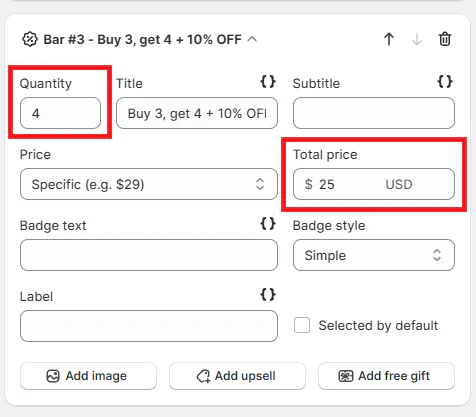
This lets you offer the BOGO structure while controlling how much discount is applied.
- Customize Text and Appearance Add a title like “Buy 3, Get 4 + 10% OFF!” and adjust label and / or badge as needed.
- Save and Publish Once your deal is ready, click “Publish” to push it live to your store.
Related Article
Want to understand the difference between all bundle types in detail?
➡️ Read: What’s the difference between Quantity Break, BXGY Discount and Bundle Upsell?